XLNavigator Object Explorer for Excel
An Excel Add-In that shows all workbook objects in one panel — named ranges, comments, charts, and more.

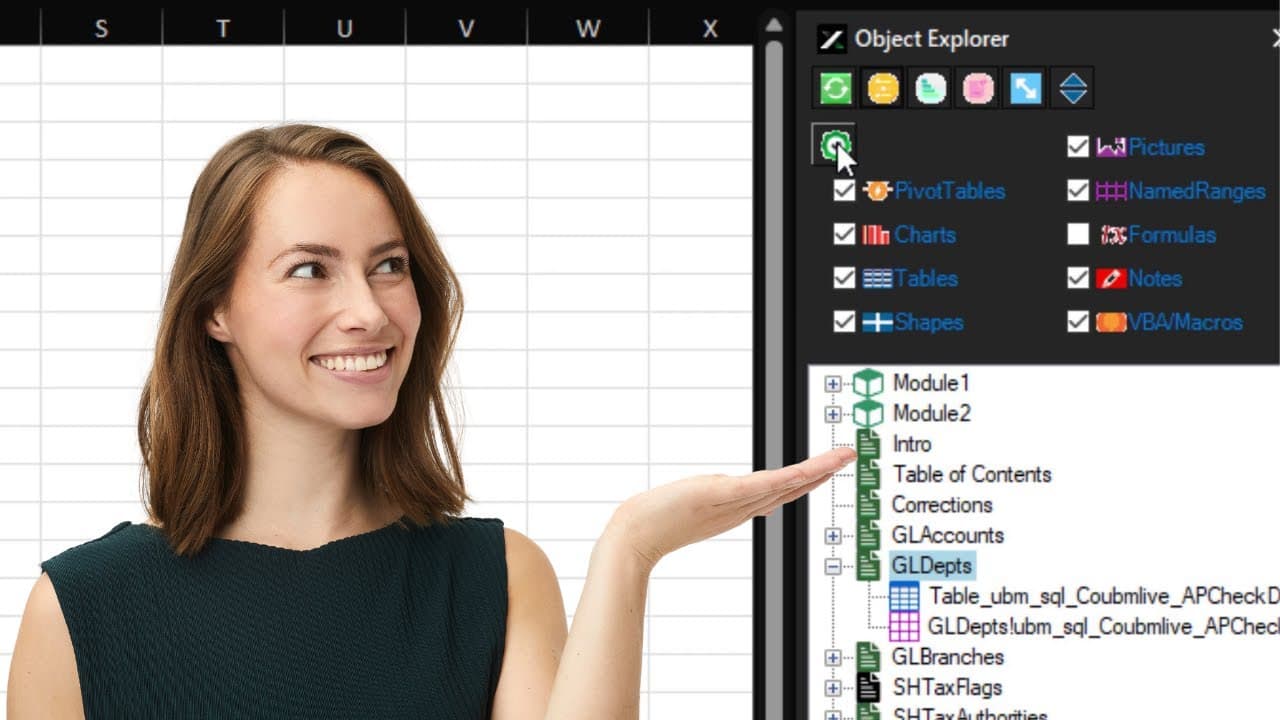
We're excited to announce XLNavigator Object Explorer — an Excel add-in that shows everything in your workbook at a glance. Named ranges, comments, charts, conditional formatting, VBA modules — all in one searchable panel.
It's like having X-ray vision for Excel workbooks.
The Problem
Complex Excel workbooks are mysteries. Named ranges are buried in the Name Manager. Comments are scattered across sheets. Conditional formatting rules hide in cell properties. VBA code lives in a separate editor.
When you inherit someone else's workbook — or revisit your own after six months — you spend hours just figuring out what's there and how it works.
Excel gives you the pieces but no map.
The Solution
Object Explorer scans your workbook and presents everything in a unified tree view. Expand categories to see all items. Click any item to navigate directly to it. Search to find anything instantly.
No more hunting through menus and dialogs. Everything is visible, organized, and one click away.
Key Features
- Named ranges — See all names, their references, and values at a glance
- Comments and notes — Find every comment across all sheets
- Charts and shapes — List all visual objects with navigation
- Conditional formatting — View all rules without opening each sheet
- Data validation — See where validation rules are applied
- VBA project browser — Navigate modules, procedures, and references
Compatibility
Object Explorer works with:
- Microsoft Excel 2007, 2010, 2013, 2016, 2019, 2021
- Microsoft 365 (Office 365)
- Windows 10 and Windows 11
It installs as a COM add-in and integrates directly into Excel's ribbon interface.
Why We Built This
Understanding a complex workbook shouldn't require detective work. I've spent countless hours reverse-engineering spreadsheets, opening dialog after dialog to find where things are defined.
Object Explorer is the tool I wished I had every time I opened an unfamiliar workbook. Now you have it too.
Find Everything in Your Workbook with Object Explorer
Named ranges, charts, comments, hidden sheets — Object Explorer shows you everything in your workbook at a glance.
Related Reading
- Workbook Audit — systematic file review
- Named Ranges Guide — master named ranges
- Find VBA Code — navigate VBA projects
Official Resources
- Define and use names — Microsoft named ranges guide
- Comments and notes — annotation guide
Want more Excel tips like this?
Get our free guide: 10 Excel Shortcuts Microsoft Doesn't Tell You About
Join 3,000+ Excel users boosting their productivity.